BISP Free SIM Distribution and Wallet Activation: Complete Step by Step Guide 2026
BISP Free SIM Distribution and Wallet Activation
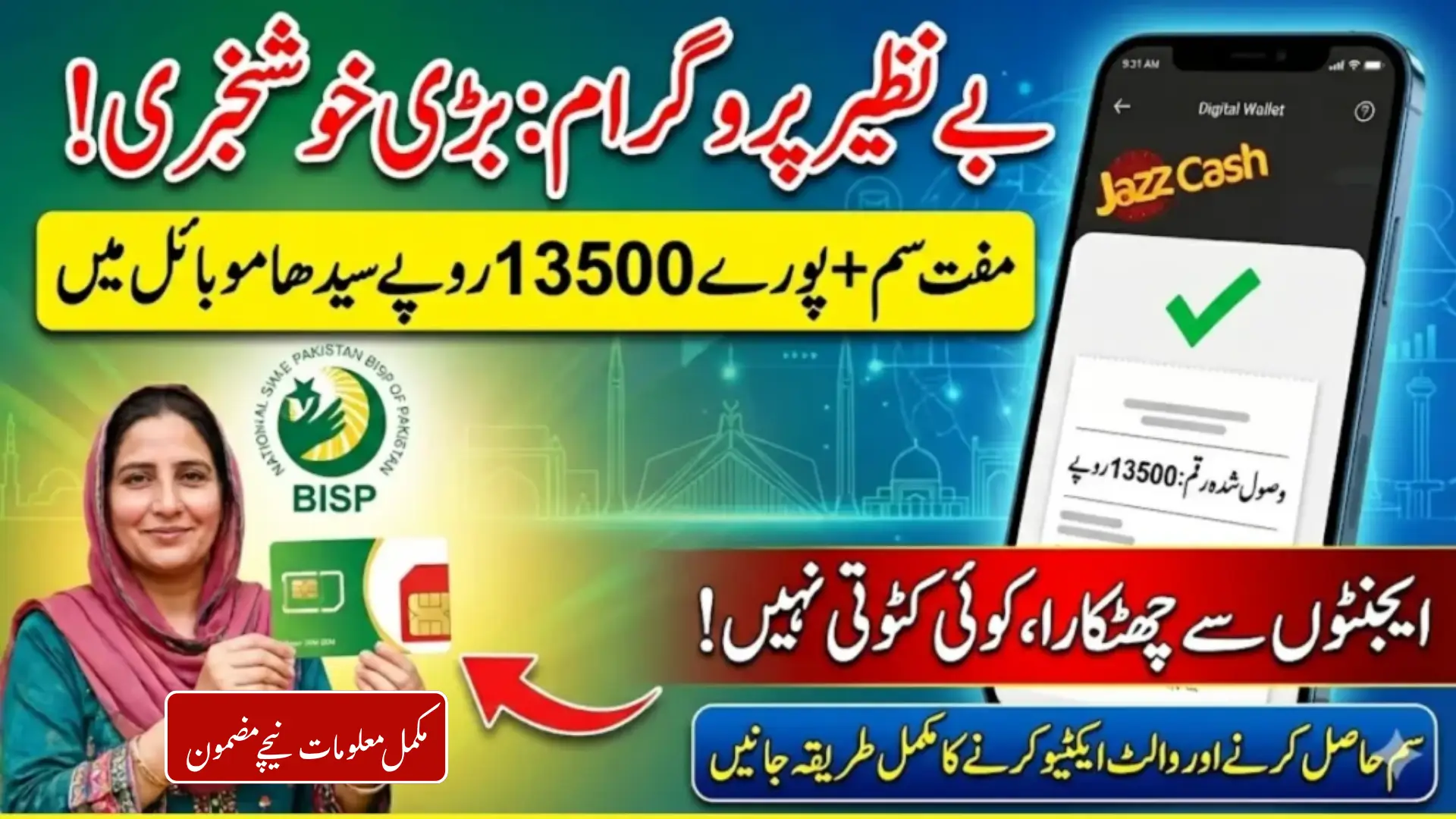
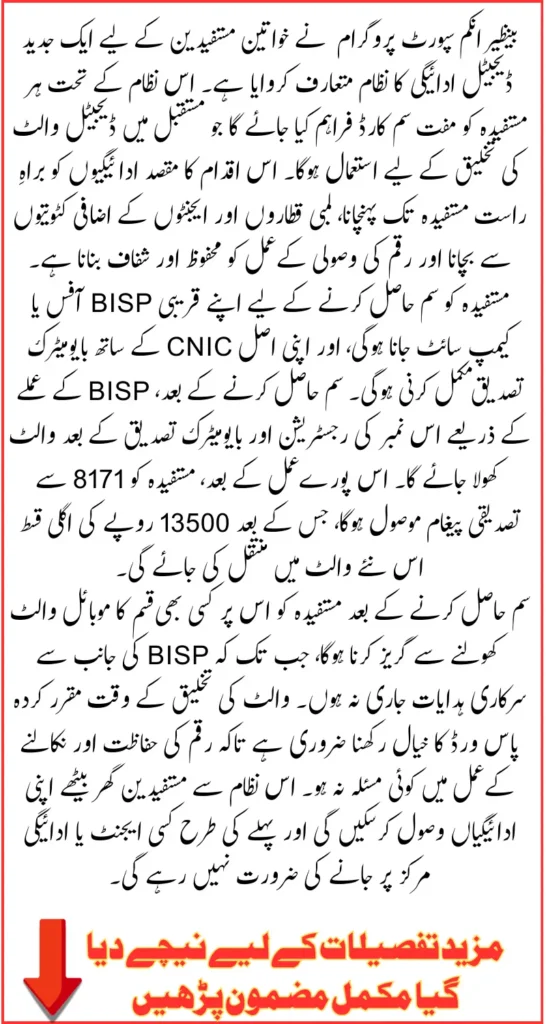
BISP has officially launched a new digital payment system across Pakistan. Every registered beneficiary woman will now receive her quarterly payment directly into a mobile digital wallet linked to a free SIM card. No more queues at payment centres. No more agents taking illegal deductions. No more travelling long distances just to collect cash.
If you are searching for BISP free SIM distribution, BISP digital wallet activation 2026, BISP SIM collection method, or how to receive BISP payment at home, you are at the right place. This complete guide covers every single step you need.
Having tracked BISP payment updates closely over the years, this digital wallet shift is genuinely the biggest change to the payment system since the programme began. It removes every middleman from the process and puts the money directly in the hands of the woman it belongs to. But only if she follows the correct steps to collect her SIM and activate her wallet properly.
This guide walks through every step in plain, simple language so no family is left confused.
Quick Answer
BISP is distributing free SIM cards to all registered beneficiaries to activate a new digital wallet payment system. To receive your Rs.14,500 quarterly payment at home, you must visit your nearest BISP Tehsil office with your original CNIC, complete biometric verification, collect your free SIM, keep it active with Rs.100 to Rs.200 load, and wait for the official wallet activation confirmation SMS from 8171.
Also Read: Ehsaas Program 8171 Online Application And Payment Collection Full Guide Explained
Key Details
| Detail | Information |
|---|---|
| Programme | Benazir Income Support Programme (BISP) |
| New System | Free SIM Linked Digital Wallet |
| SIM Collection Point | Nearest BISP Tehsil Office or Campsite |
| Documents Required | Original CNIC and Biometric Verification |
| SIM Activation Load | Rs.100 to Rs.200 |
| Confirmation Method | SMS from 8171 |
| Current Payment Amount | Rs.14,500 per quarter |
| Payment from January 2027 | Rs.18,000 per quarter |
Why Did BISP Introduce the Free SIM and Digital Wallet System?
The old payment system had problems that every beneficiary in Pakistan already knows about personally. Women in cities like Multan, Quetta, Dera Ghazi Khan, Larkana, and Peshawar waited in lines for hours. Agents sitting outside payment centres took illegal cuts before handing over the cash. Biometric machines failed repeatedly. Women travelled for hours from remote villages only to go home without any payment because of a technical error.
The new digital wallet system was built specifically to end all of that. Each beneficiary now gets a free SIM card linked directly to her CNIC. That SIM connects to a secure BISP digital wallet. Payments are deposited directly into that wallet every quarter. No agent. No queue. No deduction. No wasted trip.
Every transaction is recorded inside the BISP system automatically. Future payments, balance checks, and transaction history all sit inside one secure account that belongs only to the registered woman.
Based on how previous BISP reforms have worked, the families who complete the SIM and wallet process early are always the ones who receive payments without interruption. Those who delay end up missing cycles. Do not let that happen to your family.
Also Read: Punjab Launches Prizes For CM Interest-Free Bike Scheme For Students Who Complete T&Cs
Who Is Eligible to Receive the Free BISP SIM?
Not every beneficiary needs to go for the SIM right now. The free SIM distribution targets a specific group.
You are eligible if:
- You are a currently registered and active BISP Kafalat beneficiary
- You have been receiving regular BISP payments but do not yet have a digital wallet account
- You have never received a free BISP SIM in any previous distribution round
If you already received your SIM in an earlier phase, you do not need to collect another one. Check your status at 8171.bisp.gov.pk first before making any office visit.
One important rule. The SIM cannot be collected by anyone else on your behalf. No husband, no son, no relative. Only the registered beneficiary woman can collect it after completing biometric verification in person. This rule exists to prevent fraud and protect every woman’s account from misuse.
Step by Step: How to Collect Your Free BISP SIM
Follow these steps in order. Skipping any step causes delays.
Step 1: Check Your Eligibility Online First
Before going anywhere, check your status.
Open 8171.bisp.gov.pk in your browser. Enter the beneficiary woman’s 13-digit CNIC number without spaces. Complete the captcha and press submit.
If your status shows digital wallet eligibility confirmed, your SIM is ready and waiting at your nearest BISP Tehsil office. If your status shows a different message, read the issue carefully and resolve it before visiting.
You can also send your CNIC number via SMS to 8171 for a quick status check on any basic phone without internet.
Step 2: Gather Your Documents
Carry these with you on the day of your visit:
- Original CNIC of the registered beneficiary woman, not expired
- The mobile phone you will be using with the new SIM
- Rs.100 to Rs.200 cash to load on the SIM for activation
Do not carry expired documents. An expired CNIC will block your biometric verification and you will leave without the SIM.
Step 3: Visit Your Nearest BISP Tehsil Office or Campsite
Go to the BISP Tehsil office in your area during normal working hours. BISP offices across all four provinces are conducting SIM distribution including offices in Lahore, Karachi, Islamabad, Peshawar, Quetta, Multan, Faisalabad, Hyderabad, Sukkur, and district-level offices across rural Pakistan.
If you are unsure of your nearest office location, call the BISP helpline at 0800-26477. It is toll-free from any network.
Step 4: Complete Biometric Verification at the Office
BISP staff will verify your identity using your CNIC and fingerprints against NADRA records. This step confirms that the SIM is going to the correct registered person.
If your fingerprints fail to match, do not panic. Ask the staff to try the other hand. If it still fails, you will need to visit a NADRA office to update your biometric data before returning.
Step 5: Receive Your Free SIM
After successful biometric verification, BISP staff will hand over your free SIM card. It is issued at zero cost. No payment of any kind is required at this stage.
Keep the SIM safe. Do not hand it to anyone else. Do not insert it into any device yet.
Step 6: Load Rs.100 to Rs.200 on the SIM
After collecting the SIM, add a small load of Rs.100 to Rs.200 to activate it on the mobile network. This keeps the SIM active and ensures it can receive BISP messages and updates.
You can load the SIM at any mobile franchise, small shop, or through Easypaisa or JazzCash if you already have access to those services on another number.
Also Read: BISP Free SIM Distribution And Wallet Activation Correct Method To Receive 13500 In Mobile Account
Critical Warning: Do Not Create Any Wallet Account Yet
This is the most common mistake families are making right now and it is causing serious problems. After receiving the SIM, many women are immediately going to Easypaisa, JazzCash, or UPaisa franchise points and trying to create a wallet account on the new number themselves.
Do not do this.
BISP has clearly stated that beneficiaries must not create any mobile wallet account on the new SIM before official instructions are announced. Creating an account prematurely causes the number to get flagged in the system, which leads to account rejection or blockage when BISP tries to activate the official wallet from the backend.
Wait for the official announcement. It will come as an SMS from 8171.
Step by Step: How to Activate Your BISP Digital Wallet
Once BISP officially begins wallet activation in your area, follow these steps.
Step 1
Visit your nearest BISP office or campsite with your new SIM card and original CNIC.
Step 2
Hand your new SIM to the BISP staff at the wallet activation counter.
Step 3
Staff will register your SIM number in the BISP system against your CNIC.
Step 4
Complete biometric verification again to confirm your identity for the wallet account.
Step 5
Set a secure personal password for your wallet when prompted. Do not share this password with anyone, including family members.
Step 6
Return home and wait for a confirmation SMS from 8171. This message confirms that your wallet is approved and active.
Step 7
Once you receive the confirmation, your wallet is ready. Future quarterly payments including your Rs.14,500 and the upcoming Rs.18,000 from January 2027 will deposit directly into your wallet without any further action required from you.
Also Read: Punjab Government Expands CM Punjab Laptop Scheme To Include 10,000 Private University Students
How to Receive BISP Payment at Home After Wallet Activation
Once your wallet is active, this is the complete payment process for every future quarter:
- BISP deposits your quarterly payment directly into your digital wallet
- You receive an SMS alert on your SIM confirming the deposit amount
- You can check your wallet balance at home without visiting any office or agent
- Withdraw your payment at any designated BISP withdrawal point in your area using your SIM and biometric verification
- Full transaction history stays recorded inside your wallet for your reference
No agent. No queue. No deductions. Your full amount reaches you directly.
Security Rules Every Beneficiary Must Follow
The digital wallet system is secure by design. But your own behaviour also matters.
- Only trust messages that come from the official 8171 number. Ignore any other number claiming to be BISP.
- Never share your wallet password with anyone. Not your husband. Not your son. Not a neighbour. Not any agent.
- Avoid unofficial agents or shops claiming they can activate your wallet faster for a fee. There is no fee. Anyone asking for money is running a scam.
- If you lose your SIM, report it immediately to your mobile network provider and then visit the BISP office to update your registered number.
Also Read: Pak Govt Announces To Distribute 700000 Google Chromebooks To Students – Know Complete Details
Common Problems and Quick Solutions
| Problem | Reason | Solution |
|---|---|---|
| SIM not issued at office | Expired CNIC or biometric failure | Renew CNIC at NADRA or update fingerprints |
| Five SIM limit reached | PTA restriction on CNIC | Deactivate one SIM at any mobile franchise |
| Portal showing ineligible | Outdated dynamic survey | Visit BISP office for survey update |
| Wallet activation delayed | Regional rollout in phases | Wait for official 8171 SMS confirmation |
| Payment not received after activation | Processing cycle timing | Wait for next quarterly disbursement cycle |
FAQs
Q1: What is the BISP free SIM distribution and why is it important?
BISP is distributing free SIM cards to all registered beneficiaries to link them to a new digital wallet payment system. Without collecting the SIM and activating the wallet, no future payments will be transferred to the beneficiary regardless of eligibility status.
Q2: Can my husband or son collect the BISP free SIM on my behalf?
No. Only the registered beneficiary woman can collect the SIM. She must be physically present at the BISP office for biometric verification. No representative or family member is allowed to collect on her behalf under any circumstance.
Q3: Should I create an Easypaisa or JazzCash account on my new BISP SIM?
No. BISP has specifically instructed beneficiaries not to create any mobile wallet account on the new SIM before official activation instructions are announced. Premature account creation causes blockage in the system. Wait for the official SMS from 8171.
Q4: How much balance do I need to keep on the SIM after collection?
Load Rs.100 to Rs.200 on the SIM after collecting it. This keeps the SIM active on the network and ensures it can receive BISP messages and wallet activation notifications without any issues.
Q5: How will I know when my BISP digital wallet is officially activated?
You will receive a confirmation SMS from 8171 once your wallet is activated. This message confirms your account is approved and ready to receive payments. Do not consider your wallet active until this SMS arrives.
Q6: What if my biometric verification keeps failing at the BISP office?
Moisturise your fingertips for a few days before your next visit. If the problem continues, visit your nearest NADRA office to update your biometric data. Once NADRA updates your fingerprints, BISP verification will work correctly on your next attempt.
Q7: Will my Rs.14,500 payment be released if I have not collected the SIM yet?
No. All quarterly payments including current and pending installments are on hold until the SIM is collected and the digital wallet is activated. The government has fully shifted to the digital wallet system nationwide. Collect the SIM as soon as possible to avoid missing payment cycles.
Also Read: 8171 New Update! BISP PMT Score Raised From 32 to 60 in Balochistan And Thousands of New Families
Conclusion
The BISP digital wallet system is the most significant upgrade to Pakistan’s social protection payment infrastructure in years. For registered families from Karachi to Gilgit, from Lahore to Turbat, this system means their money reaches them safely, fully, and on time every quarter.
The steps are clear. The process is straightforward. The only thing required from every beneficiary is to follow the official instructions in the correct order without taking shortcuts or trusting unofficial sources.
With Rs.18,000 per quarter confirmed from January 2027, getting your SIM collected and wallet activated before that date means you are fully set up to receive the increased payment automatically. Every step you complete today protects every payment that is coming your way tomorrow.